How to Type Without Looking at the Keyboard
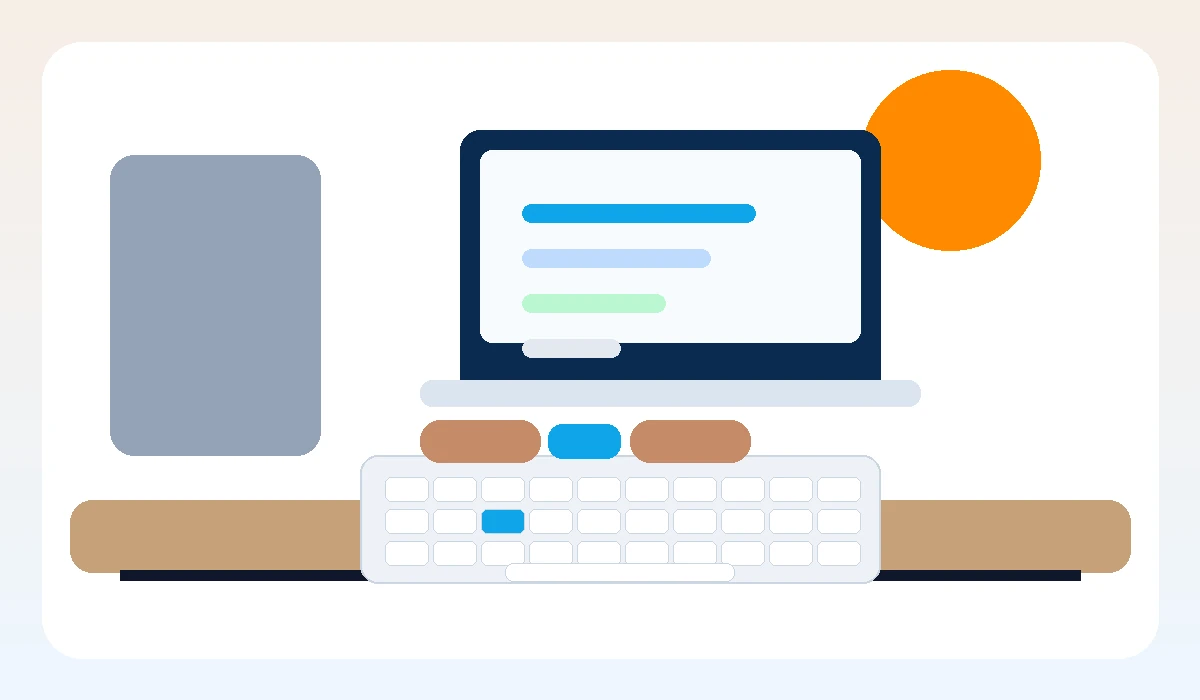
Typing without looking at the keyboard starts with home row trust, slow repetition, and screen-focused practice.
For guided practice, start on the FreeOnlineTypingPractice.com homepage and use the site as a simple daily typing routine. You can also open the free typing lessons whenever you want structured keyboard practice.
Learn the Home Row Feel
Your fingers need a home base. Place the left fingers on A S D F and the right fingers on J K L ;. The small bumps on F and J help you find position without looking.
Cover Only When Ready
Some learners hide the keyboard too early and become frustrated. First practice slowly, then reduce glances little by little until looking down becomes unnecessary.
Watch the Screen
The screen tells you what happened. If you watch the text as you type, you notice mistakes faster and learn to trust finger movement instead of visual keyboard checking.
Practice Common Words
Common words build muscle memory faster than random letters alone. Mix simple words with home row patterns so your hands learn real typing rhythm.
Be Patient With Mistakes
Touch typing feels strange at first. Temporary slowness is normal because your brain is replacing visual searching with automatic movement.
Practice Next
When you finish reading, try a focused lesson on FreeOnlineTypingPractice.com typing lessons, check your speed with the free WPM typing test, or use typing games when you want a more playful warm-up.
FAQ
How long does it take to stop looking at the keyboard?
Many learners notice improvement after a few weeks of consistent short practice, but the timeline depends on current habits.
Should I cover my keyboard?
Covering can help later, but first learn home row placement and basic finger movement.
Why do I slow down when I stop looking?
You are building a new skill. Speed returns as finger memory becomes stronger.